Keep notes from each track day.
Use your car’s build log for prep checklists, session notes, and setup changes. Record drives on iPhone to review after the session.
Start your track-day logAbout PitStop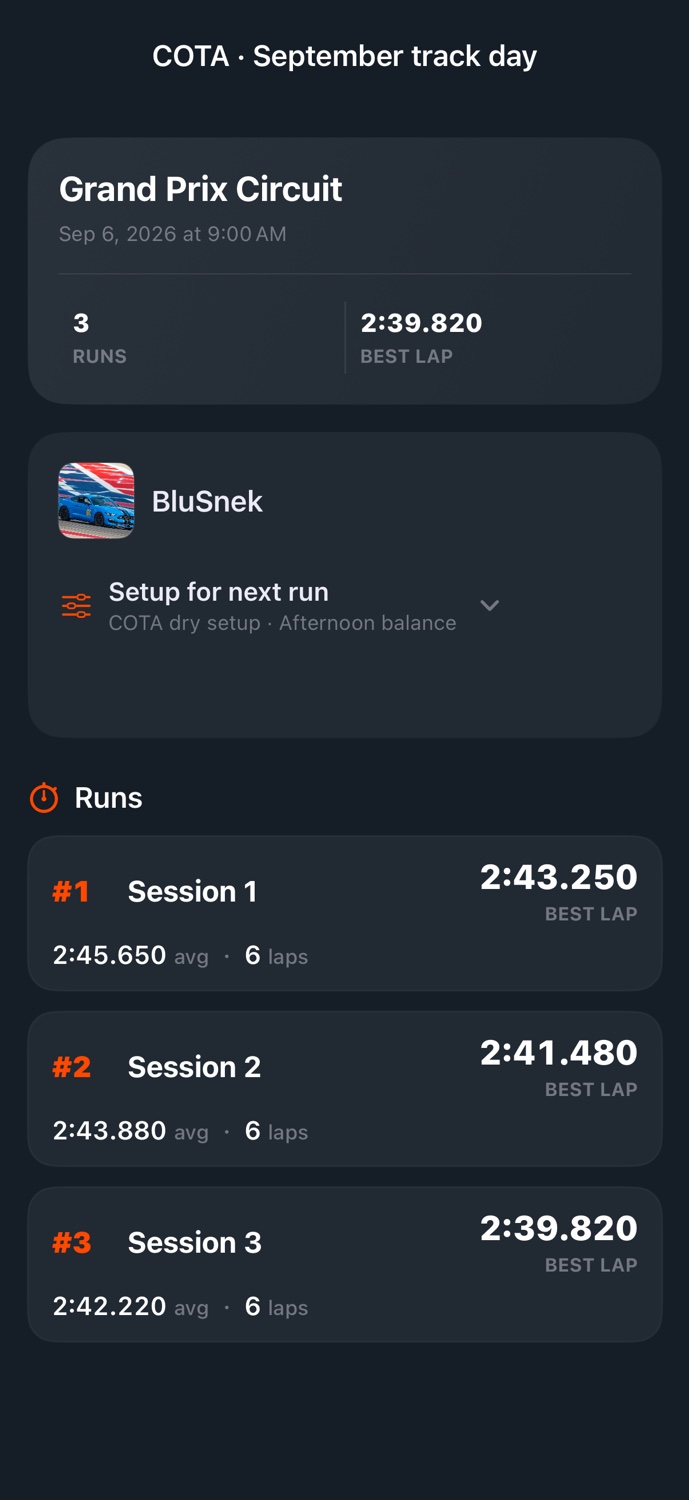
Record what you tried each session.
Note your cold tire pressures, how the brakes felt, and any adjustments you made between sessions. You can refer to those notes when preparing for the next event.
- Before you head out
- Make a prep checklist for the car and note the setup you plan to use.
- While you drive
- Record GPS drives on iPhone and add sensor data with a compatible OBD-II adapter. Keep your attention on driving; review the recording afterward.
- Back in the garage
- Review your drives and session notes, then create tasks for any work the car needs before the next event.
Add your first car.
Download PitStop for iPhone or create an account on the web.
