Save your time slips and pass notes.
Add time slip photos and notes to your car’s build log so you can review previous passes before your next trip to the track.
Start your racing logAbout PitStop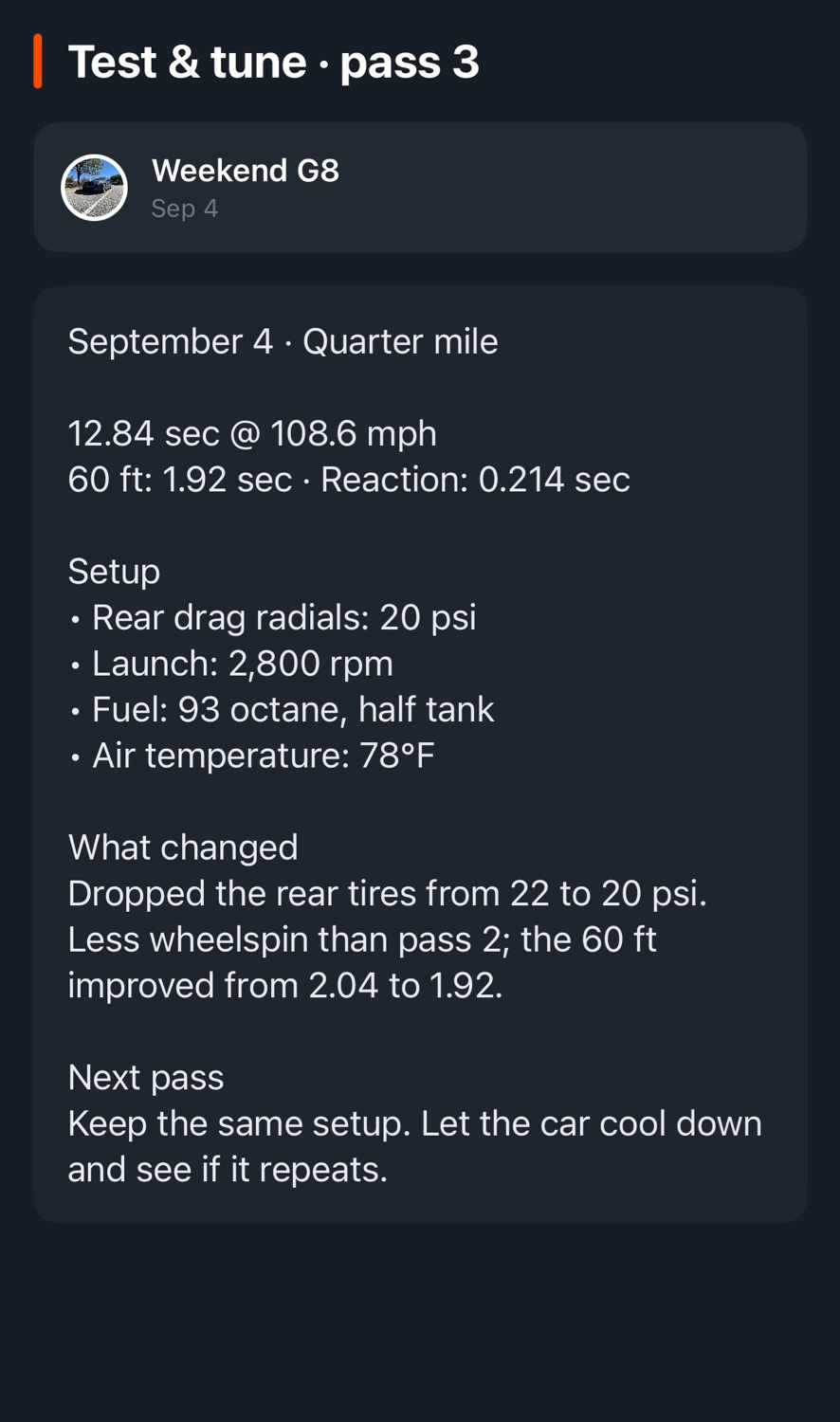
What was different on that pass?
Write down tire pressures, setup changes, and how the car felt at launch. Include the details you want to compare when you review your passes later.
- Add time slip photos
- Save a photo of the slip with notes about the pass and track conditions.
- Log setup changes
- Record parts and setup adjustments in the build log so you can check what changed between trips to the track.
- Plan repairs and adjustments
- Create tasks for any repairs or adjustments you need to make before the next event.
Add your first car.
Download PitStop for iPhone or create an account on the web.
