Record and review your car’s sensor data.
Connect a compatible OBD-II adapter to record sensor readings during a drive. Afterward, replay the route and check the readings at any recorded point.
Create your garageAbout PitStop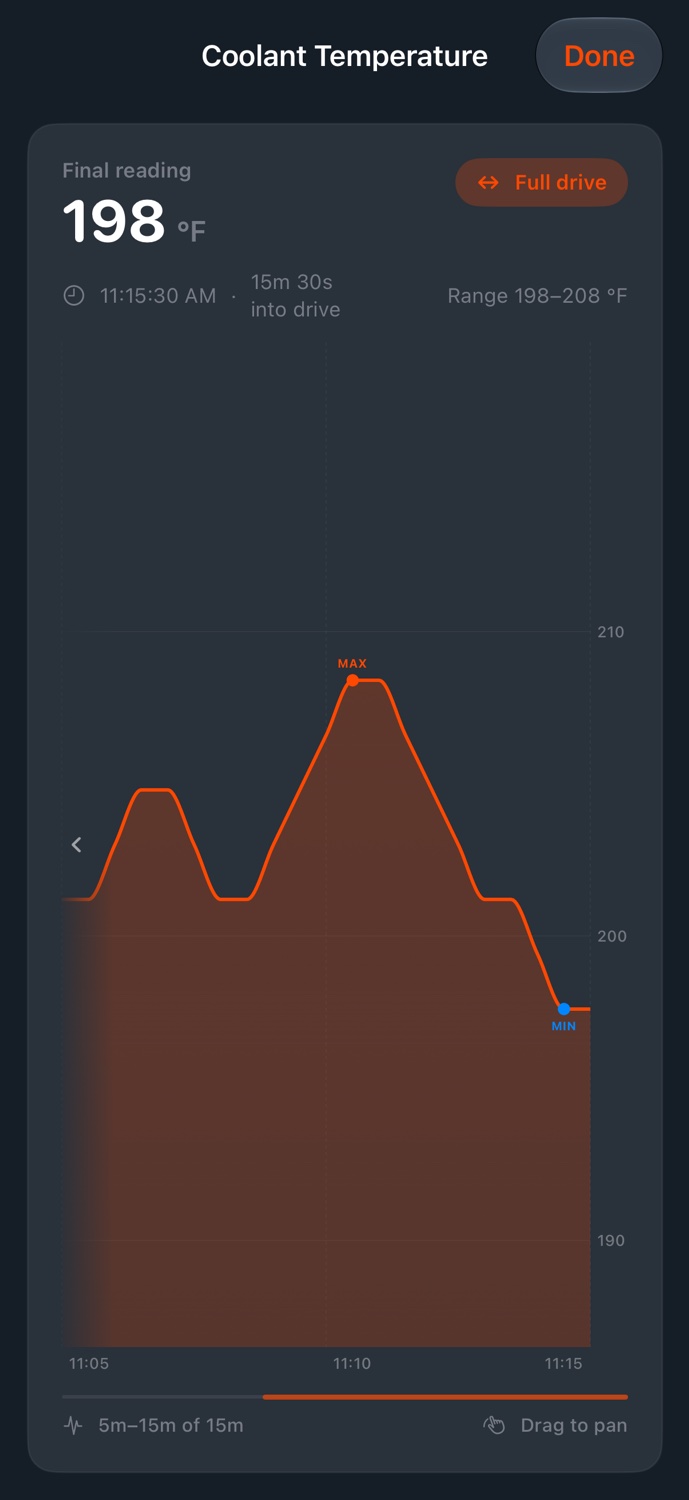
Check readings from a saved drive.
Record drives on iPhone and review them afterward on your phone or the web. You can check how readings changed along the route.
- Review readings along the route
- Select a point in the drive replay to see your location and the sensor readings recorded at that time.
- Record what your car supports
- Capture readings such as RPM, coolant temperature, and engine load. Available sensors depend on your vehicle and adapter; custom PIDs support vehicle-specific data.
- Start with a compatible adapter
- OBD-II capture requires a compatible adapter and iPhone. You can record a GPS drive without an adapter, then add vehicle data when you’re connected.
Add your first car.
Download PitStop for iPhone or create an account on the web.
