Keep a log of your car’s modifications.
Save photos, part numbers, and maintenance notes on your car’s profile. Look back at what you changed, when you changed it, and why.
Start your build logAbout PitStop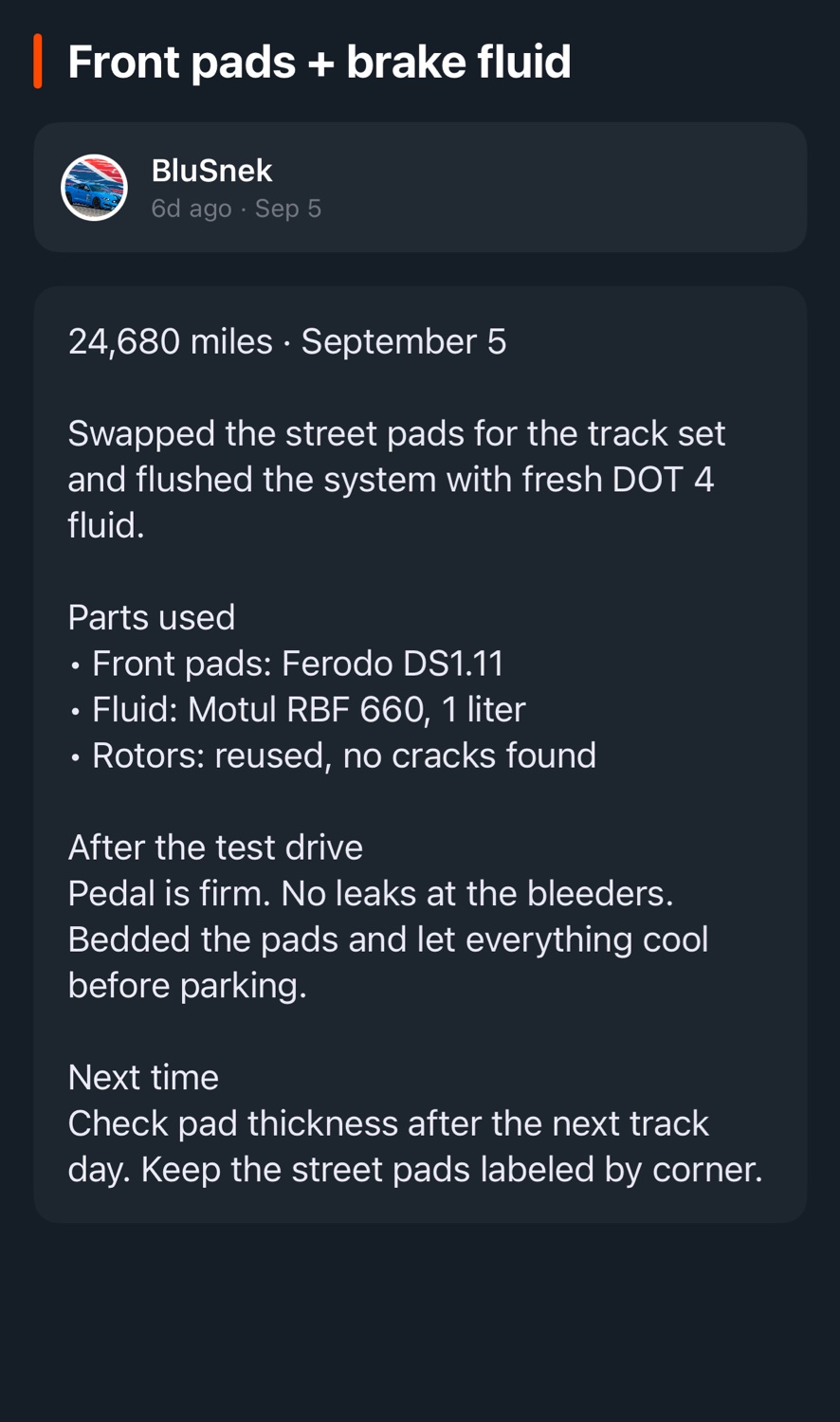
What did you change, and when?
Record the mileage, parts used, and any problems you ran into after each job. Those details help when you need to order a replacement or work on the car again.
- Add notes and photos
- Write down what you installed, how it went, and what you would do differently. Add photos so you can see how the build has changed.
- Plan maintenance and repairs
- Create tasks for upcoming work. Each car has its own list, so you can track your daily’s maintenance separately from your project.
- Share your build profile
- Your public build profile has its own URL. Send it when someone asks what you’ve done, or pull it up at the next meet.
Add your first car.
Download PitStop for iPhone or create an account on the web.
